Multiple Instances
In previous examples we’ve focused on images that only contain a single object. This article will focus on the case where a synthetic sample contains more than one object. To get started, we’ll load our test dataset and choose an appropriate sample:
[1]:
from IPython.display import display
import limbo.data

dataset = limbo.data.Dataset("../data")

sample = dataset[2]

if sample.image:
    display(sample.image)

First, we’ll access a list of labels for every instance visible in the sample:
[2]:
if sample.synthetic and sample.synthetic.cryptomatte:
    print(sample.synthetic.cryptomatte.instances)
['48/0', '48/1', '48/2', '48/3', '48/4', '48/5', '48/6', '48/7', '48/8', '48/9', '48/10', '48/11', '48/12', '48/13', '48/14', '48/15', '48/16', '48/17', '48/18', '48/19', '48/20', '48/21', '48/22', '48/23', '48/24', '48/25', '48/26', '48/27', '48/28', '48/29', '48/30', '48/31', '48/32', '48/33', '48/34', '48/35', '48/36', '48/37', '48/38', '48/39', '48/40', '48/41', '48/42', '48/43', '48/44', '48/45', '48/46', '48/47', '48/48', '48/49', '48/50', '48/51', '48/52', '48/53', '48/54', '48/55', '48/56', '48/57', '48/58', '48/59']
Most operations provided by the sample object default to using every instance, such as extracting a matte:
[3]:
if sample.synthetic and sample.synthetic.cryptomatte:
    display(sample.synthetic.cryptomatte.matte())
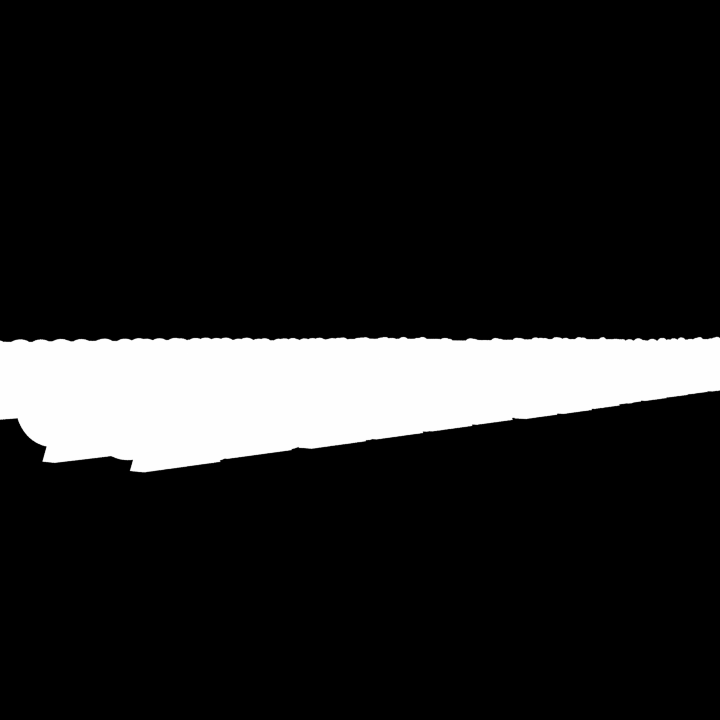
But now, we can use the labels to retrieve a matte for a specific instance:
[4]:
if sample.synthetic and sample.synthetic.cryptomatte:
    display(sample.synthetic.cryptomatte.matte("48/40"))

Or, we can retrieve a matte that is the union of multiple instances:
[5]:
if sample.synthetic and sample.synthetic.cryptomatte:
    display(sample.synthetic.cryptomatte.matte(["48/40", "48/45"]))

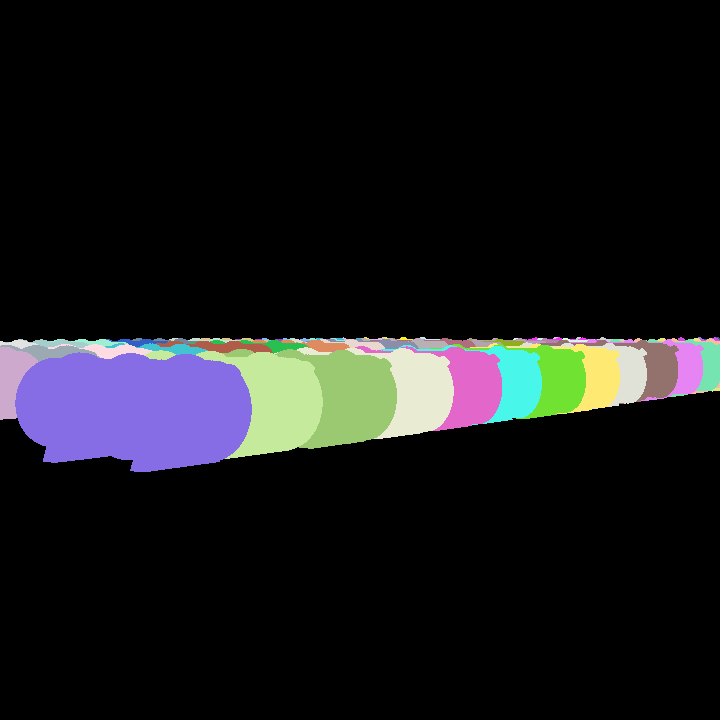
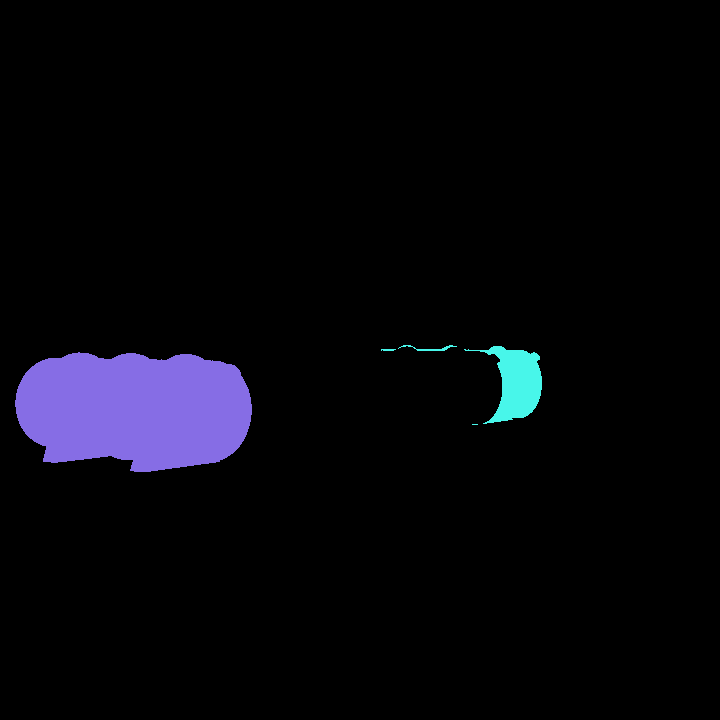
You can also retrieve a segmentation image where each distinct color represents a specific instance:
[11]:
if sample.synthetic and sample.synthetic.cryptomatte:
    display(sample.synthetic.cryptomatte.segmentation())
[12]:
if sample.synthetic and sample.synthetic.cryptomatte:
    display(sample.synthetic.cryptomatte.segmentation(["48/40", "48/45"]))
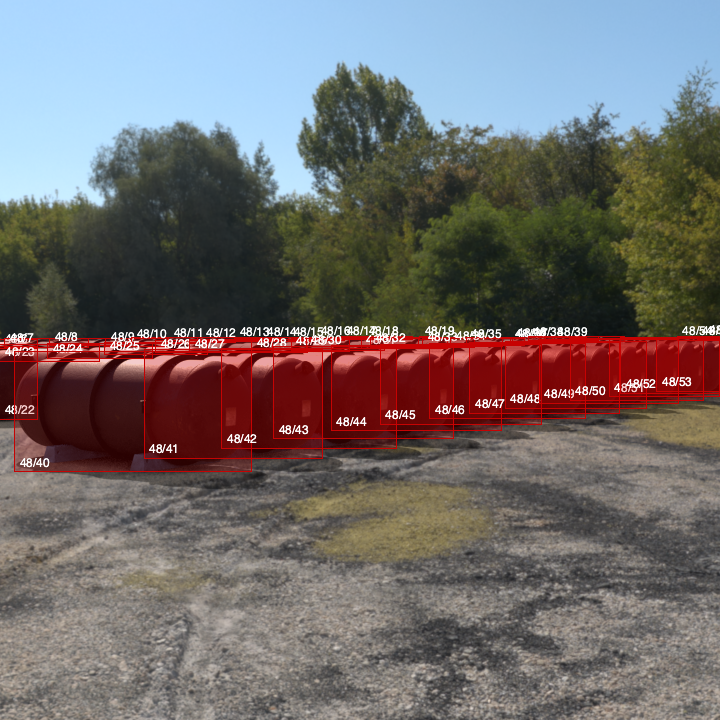
A similar approach works when previewing bounding boxes and contours: by default, the previews include every instance:
[6]:
if sample.synthetic and sample.synthetic.cryptomatte:
    display(sample.synthetic.cryptomatte.preview(show_bboxes=True).makeImageSnapshot())
[7]:
if sample.synthetic and sample.synthetic.cryptomatte:
    display(sample.synthetic.cryptomatte.preview(show_contours=True).makeImageSnapshot())

But now you can target one instance, or several:
[8]:
if sample.synthetic and sample.synthetic.cryptomatte:
    display(sample.synthetic.cryptomatte.preview(show_bboxes=True, instances="48/40").makeImageSnapshot())
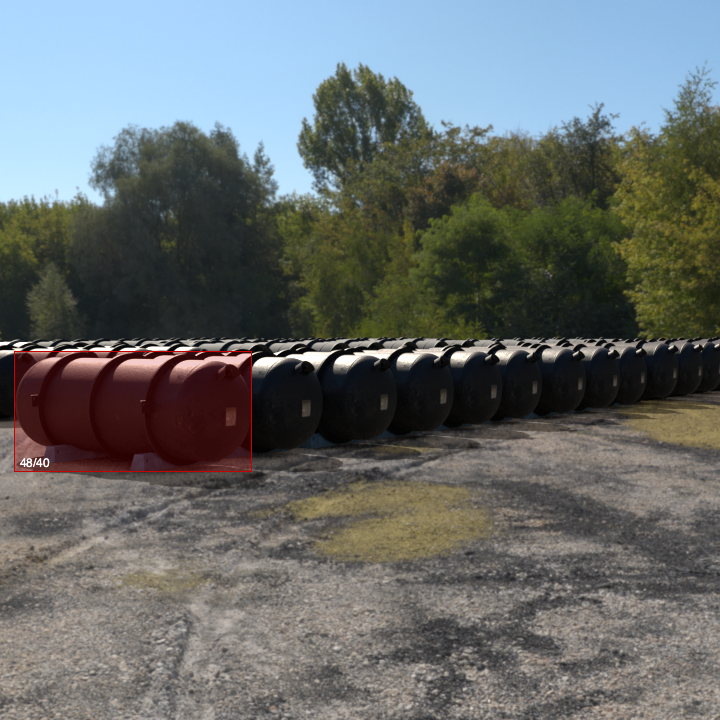
[9]:
if sample.synthetic and sample.synthetic.cryptomatte:
    display(sample.synthetic.cryptomatte.preview(show_contours=True, instances=["48/40", "48/45"]).makeImageSnapshot())

The same approach can be used when retrieving bounding box and contour data, but be careful: the result is the union of the specified instances:
[10]:
if sample.synthetic and sample.synthetic.cryptomatte:
    print(sample.synthetic.cryptomatte.bbox(["48/40", "48/45"]))
(14.686975432140274, 344.55363432413395, 526.8119756909649, 127.21325612207403)